LinkedIn Outreach Automation: How to Build a Follow-Up Sequence That Gets Replies
Learn how LinkedIn outreach automation helps you build thoughtful follow-up sequences, personalise messages, track replies and improve B2B sales prospecting.

On this page
A prospect accepts your connection request on Monday. You send a quick intro. Nothing comes back. By Friday you’re chasing new leads, and that conversation is buried under fresh notifications.
If that sounds familiar, you’re not alone. Prospects go quiet for all sorts of reasons: they’re busy, they’re not sure what you do, or they’re just not ready to talk to a stranger. One unanswered message rarely means “no.”
The hard part is knowing when to follow up, what to say next, and when to stop. LinkedIn outreach automation can handle the tracking so no one slips through the cracks. What it can’t do is make a weak message relevant. A badly planned sequence turns a decent introduction into a string of unwanted pings.
This guide shows you how to build a LinkedIn follow-up sequence that gives people a real reason to reply, and what you should know about LinkedIn’s rules before you automate anything.
What Is LinkedIn Outreach Automation?
LinkedIn outreach automation means using software to handle parts of the prospecting process, such as connection requests, follow-up steps, message scheduling and campaign tracking.
For sales development reps (SDRs), the biggest win is consistency. Instead of relying on memory to chase every lead, you plan the sequence once and the tool keeps track of who has replied.
A typical workflow looks like this:
- Find prospects who match your target role, industry or business need
- Write a personalised connection request
- Plan follow-up messages for each stage of the conversation
- Review replies and decide what happens next
- Pause outreach when someone replies, says no, or asks you to stop
Automation covers the process, not the thinking. Someone still has to choose the audience, check message quality and decide what counts as a good reply. A tool can schedule a message. It can’t make an irrelevant offer useful.
Check LinkedIn’s Rules First
This part matters. LinkedIn’s guidance on prohibited software and extensions says that unauthorised third-party tools that automate activity on the platform aren’t allowed, and they can lead to account restrictions. Using a cloud-based tool or a slower sending pace doesn’t automatically make a workflow authorised.
Before you adopt any automated messaging tool, read LinkedIn’s current terms and decide how much risk your team is comfortable with.
Why Every Follow-Up Needs a Purpose
Most outreach campaigns fail for one simple reason: every follow-up repeats the first pitch.
Picture a rep messaging a startup founder about lead generation. The first message explains why. Three days later, the same pitch arrives again, this time opening with “Just following up.” A few days after that, a third message asks whether the founder had a chance to read the first two.
The timing is different. The value isn’t.
A good LinkedIn follow-up sequence gives every message a job. One explains why the conversation is relevant. Another shares something useful. The last one makes it easy to say “not now.”
Planning it this way pays off in three ways:
- Consistency. Your reps know what to send next instead of improvising.
- Relevance. Each message covers a different angle instead of re-introducing your product.
- Clearer data. When messages have different purposes, you can see exactly where prospects stop replying and fix that step.
No sequence guarantees replies. What it does is give the right people a fair chance to respond.
How to Build a LinkedIn Outreach Sequence in 5 Steps
There’s no universal sequence that works for every industry. A founder reading about sales operations cares about different things than an enterprise sales director comparing vendors. Use the steps below as a starting point, then adjust them based on your own campaign results.
Step 1: Choose the Right Prospects Before You Write Anything
Start with who you want to reach, not how many messages you want to send.
Say you sell B2B sales software. Your audience might include sales development managers, founders of growing B2B companies, revenue operations leaders and growth teams. They may share a problem, but they won’t all respond to the same opener. An SDR manager cares about follow-up consistency across the team. A founder cares about how a process fits into a small team’s workload.
Before you build anything, answer three questions:
- Who is most likely to benefit from what we offer?
- What problem are they probably trying to solve?
- Why does a LinkedIn conversation make sense for that problem?
Resist the urge to message everyone who matches a broad job-title filter. A smaller list of relevant people beats a huge list with only a loose connection to your offer.
Step 2: Give Your First Message a Clear Purpose
The first message after someone accepts your request should show why you’re reaching out. It doesn’t need your full feature list or your pricing.
A good first message usually has three things: a relevant observation, a clear reason for writing, and one simple question. For example:
“Hi Priya, thanks for connecting. I noticed your team is growing its B2B sales function. I’m curious how growing teams keep prospect follow-ups under control as the pipeline gets bigger. Is that something you’re looking at right now?”
That opens a conversation without assuming Priya has a problem or needs a particular product.
One rule here: only mention things you can back up. If the company isn’t hiring, don’t say it is. A made-up detail is worse than a plain, honest introduction.
Step 3: Decide What Each Follow-Up Should Do
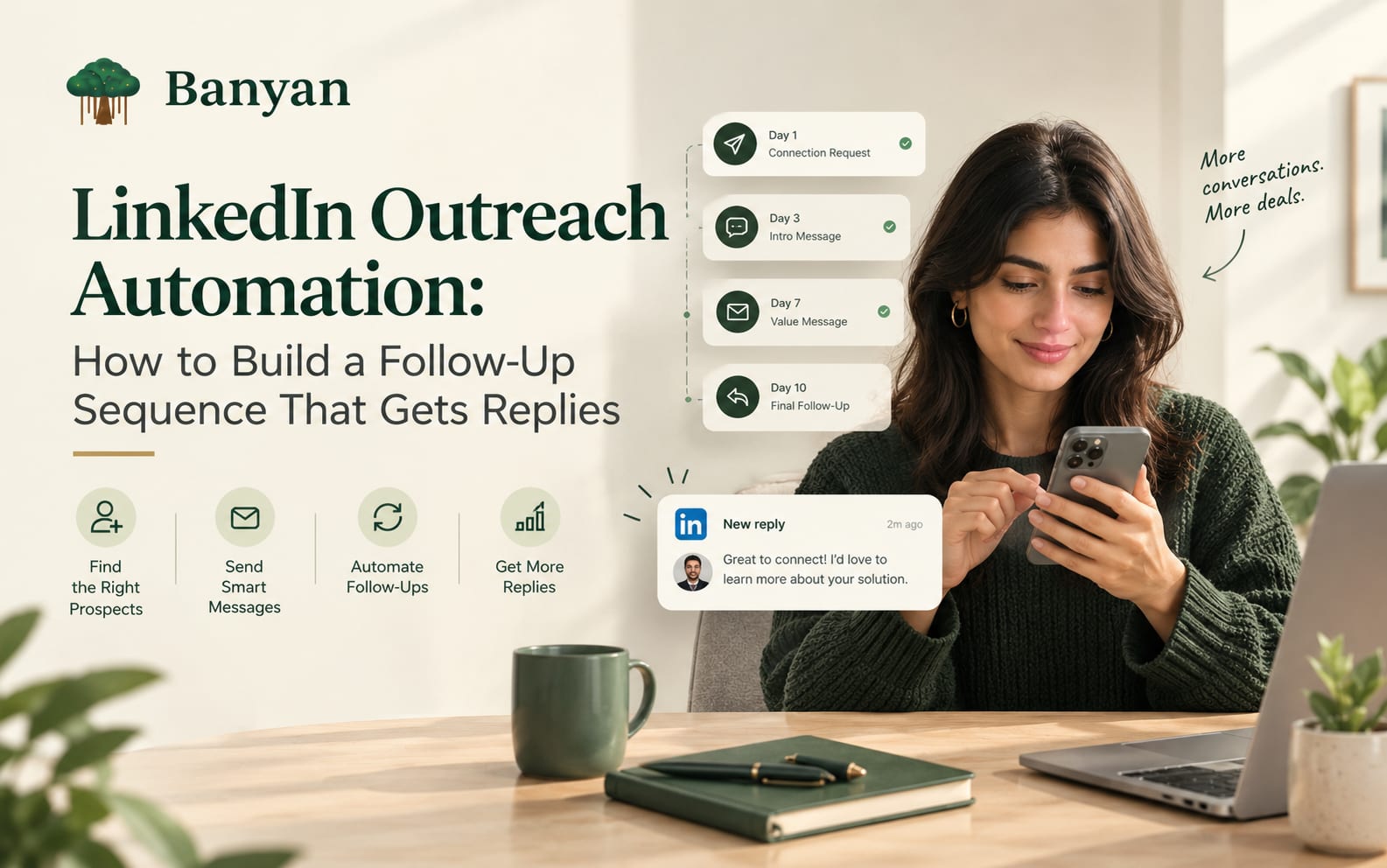
Before you pick any intervals, write down the purpose of every step. Here’s a simple structure to start from:
| Stage | Suggested timing | Purpose |
|---|---|---|
| Initial message | After they accept your request | Explain why you’re reaching out and open a conversation |
| Follow-up 1 | 3–4 business days later | Clarify the problem or ask one useful question |
| Follow-up 2 | 4–5 business days after that | Share a relevant observation or resource |
| Final follow-up | About a week later | Close the loop politely |
These timings are a place to start testing, not a proven formula. Adjust them to your audience, how urgent your offer is, and the response patterns you see.
And don’t let the sequence run on autopilot. If someone replies, stop the automation and answer them yourself. If they decline or ask you to stop, that’s the end of it.
Step 4: Write Follow-Ups That Add Something New
The best follow-up isn’t the most persuasive one. It’s the one that gives the prospect a good reason to keep talking.
Here’s how a sequence might read for a sales automation provider.
Follow-up 1: Ask about their process
“Hi Priya, one thing I was curious about: how does your team handle follow-ups when several prospects are active at once? Is it managed centrally, or does each rep run their own?”
This asks about a specific process instead of pushing for a meeting.
Follow-up 2: Share an observation
“Hi Priya, I often see sales teams struggle when follow-up reminders and prospect context live in different places. It makes it harder to know which conversation needs attention next. Is that something your team has run into?”
This names a real operational headache without claiming the prospect definitely has it.
Final follow-up: Close the loop
“Hi Priya, I’ll leave it here so I don’t keep filling your inbox. If improving follow-up management becomes a priority, I’m happy to reconnect.”
Together, the three messages move from introduction to exploration to a polite exit. Treat them as templates to adapt, not scripts to paste into hundreds of conversations.
Step 5: Set Rules for When the Sequence Should Stop
Message copy and timing aren’t enough. Your workflow also needs clear rules for when to continue and when to stop. Before launch, decide what happens in each of these cases:
| If this happens | Do this |
|---|---|
| They reply | Stop scheduled follow-ups and respond personally |
| They say no | Stop the sequence and respect the decision |
| They ask you to stop contacting them | Add them to a suppression list |
| A teammate or another account has already contacted them | Check before sending anything further |
| Their details are wrong | Pause, fix the record, then continue |
| Results start to slip | Review message relevance, audience and complaints before changing anything else |
These rules stop you from treating every prospect as if they’re still at the same stage. They also help sales managers tell the difference between a campaign that’s reaching the wrong people and one that’s reaching the right people but struggling to start conversations.
One more reminder: sending limits and scheduling don’t guarantee you’re following LinkedIn’s rules. Confirm that your automation method is actually permitted before you switch it on.
How to Personalise LinkedIn Sales Sequences at Scale
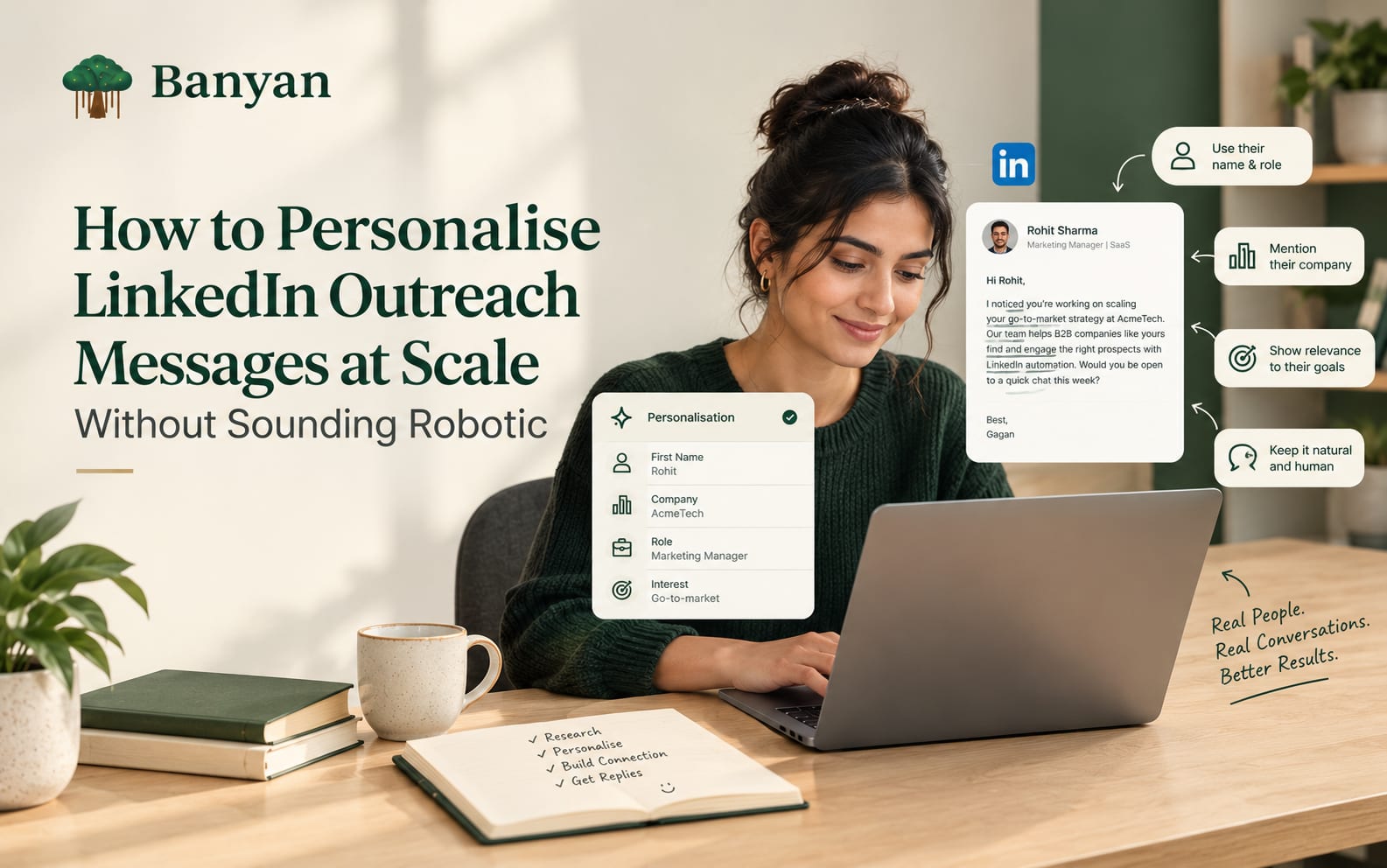
Adding a first name or company name makes a message look personal. It doesn’t make it relevant. Real personalisation changes the reason you’re contacting someone.
Take an SDR manager and a startup founder. Both could be buyers for the same sales tool, but your opening message should speak to different priorities:
| Prospect | Relevant angle | Possible opening |
|---|---|---|
| SDR manager | Keeping follow-ups consistent across a team | “How do you currently track follow-ups across your reps?” |
| Startup founder | Keeping prospecting manageable as the team grows | “How is your team handling outbound prospecting as you add more customers?” |
| RevOps leader | Better visibility into outreach activity | “How do you measure whether outreach activity is turning into useful sales conversations?” |
These are starting points, not assumptions about any one person. Let the prospect’s actual role, company and publicly available information shape the final wording.
To do this at scale, split your list into small groups based on real differences, like job responsibility, company size or business challenge. Write one angle for each group and review the messages before they go out. Leave out unrelated personal details. The prospect should always understand why the information matters to the business conversation.
How to Measure Whether Your LinkedIn Follow-Up Sequence Is Working
Sending a lot of messages doesn’t mean you’re having good conversations. Volume is a poor measure of success, so track a small set of metrics that show what’s happening at each stage:
| Metric | What it tells you |
|---|---|
| Connection acceptance rate | Whether your audience and connection requests attract interest |
| Reply rate | Whether your messages start conversations |
| Positive reply rate | Whether people show relevant interest |
| Qualified conversations | Whether responses match your target buyer and business goal |
| Meetings booked | Whether conversations are moving toward a sales discussion |
| Negative responses and complaints | Whether your targeting, frequency or message relevance needs attention |
Define each metric the same way every time. For example, decide whether your reply rate counts every reply or only replies from your target prospects, then stick with that definition when you compare campaigns.
Then read the numbers like this:
- Good acceptance rate, low replies: look at your first message and the relevance of your offer.
- Plenty of replies, few qualified: revisit your targeting criteria.
- Negative responses rising: pause the campaign and examine your audience and messaging. Don’t just add another follow-up.
Change one major variable at a time when you can. That way you’ll know whether a new opener, a different audience or a fresh message angle is behind any change in results.
There’s also no universal reply-rate benchmark for B2B campaigns. Industry, audience, offer, account history and campaign design all play a part. Use your own consistently measured results to guide improvements instead of chasing a single headline number.
Common LinkedIn Outreach Mistakes to Avoid
Even a well-written sequence can underperform when the process around it is weak. Watch out for these:
- Repeating the same pitch. A follow-up needs a reason to exist beyond reminding someone you sent an earlier message.
- Following up too often. More messages don’t automatically mean more opportunities. Give prospects room, and stop when they show no interest or ask you to.
- Automating without checking replies. If a prospect asks a question or raises a concern and gets your next scheduled pitch in return, that’s a bad experience.
- Faking personalisation. Don’t invent a company announcement, pretend you’ve read someone’s work, or mention a business problem you have no reason to think they have.
- Chasing activity instead of outcomes. More connection requests and messages look productive. Qualified conversations are the better sign of progress.
- Ignoring platform rules. LinkedIn restricts unauthorised third-party automation and scraping. A vendor’s claims about its technology aren’t proof of LinkedIn’s approval, so review the current terms and understand the risks before you deploy a tool.
The goal isn’t to keep every prospect in a sequence for as long as possible. It’s to give relevant people a fair chance to talk, and to recognise when they don’t want to.
Where OutPilot Fits Into Your LinkedIn Outreach Workflow
Once your strategy is clear, managing individual follow-ups across a growing prospect list can eat up your day. SDRs end up switching between prospect lists, message drafts, campaign schedules and incoming replies just to work out what needs attention next.
OutPilot by GetBanyan is built for LinkedIn outreach workflows. According to its product information, it offers multi-step campaigns, prospect-list management, a unified inbox, campaign analytics and cloud-based execution. Features like these can help a team stay organised and keep track of conversations.
If you’re planning LinkedIn sales sequences, map out the workflow before you configure any tool:
- Define your target audience and your reason for contacting them.
- Write the connection message and follow-up copy.
- Decide how replies, negative responses and opt-outs will be handled.
- Review campaign activity and conversation quality regularly.
- Check LinkedIn’s rules before you enable any automated actions.
When you’re ready, explore OutPilot’s LinkedIn outreach and sales automation features and see whether the workflow suits your team. Judge it on what it actually does, what controls it gives you and how well it fits your process. Cloud execution, sending limits and message scheduling don’t make automated activity compliant with LinkedIn’s terms on their own.
Final Thoughts: Build a Follow-Up Process That Respects the Prospect
A good LinkedIn follow-up sequence doesn’t come from sending the most messages or finding a perfect template. It comes from contacting the right people, giving every message a clear purpose, and knowing when a conversation should end.
Start with a small, well-defined audience. Write a first message that explains why you’re reaching out. Make each follow-up useful, and watch replies alongside negative responses. Then refine the process using results from your own campaigns.
LinkedIn outreach automation can make the workflow easier to manage, but the quality of your outreach still depends on the decisions behind it. If you want prospecting, follow-ups and incoming conversations in one place, take a look at OutPilot by GetBanyan and see whether it matches what your team needs.
Frequently asked